
Mobile Security
Fake APKs in Google Search ads for messaging and social apps in India: how sponsored download links, cloned install pages, and sideload prompts lead to malware or account theft
LinkExpln Team · Published November 10, 2026

If you searched Google for WhatsApp, Telegram, Instagram, or another popular app and saw a Sponsored result offering a direct download, the risk is real: some fake ads and cloned websites try to push APK files that can install malware or steal accounts. In India, where Android is widely used and APK sharing is common, these tricks often rely on urgency, familiar branding, and confusing install prompts rather than obvious technical hacking.
Key takeaway: if a search result asks you to download an APK for a well-known messaging or social app, pause. Prefer the Google Play Store or the company’s verified website, and avoid enabling “install unknown apps” unless you fully trust the source.
Why fake APK download pages work so well
Attackers do not always need to break into your phone. Often, they simply need to convince you to install the wrong file or enter your login details on a convincing fake page.
This works because:
- many people trust the top results in Google Search, including ads
- cloned pages can look almost identical to real app download pages
- APK files are common on Android, so the prompt may not feel unusual
- users may be trying to install an app unavailable in their region, an older version, or a “modded” version
- fake pages often claim the Play Store version is “restricted,” “slow,” or “outdated”
Google warns that apps installed from sources outside Google Play may not go through the same safety checks, and Android also treats installs from unknown sources as a higher-risk action via its “install unknown apps” controls on modern devices. See Google’s guidance on installing apps from Google Play and help with unknown sources / install unknown apps on Android.
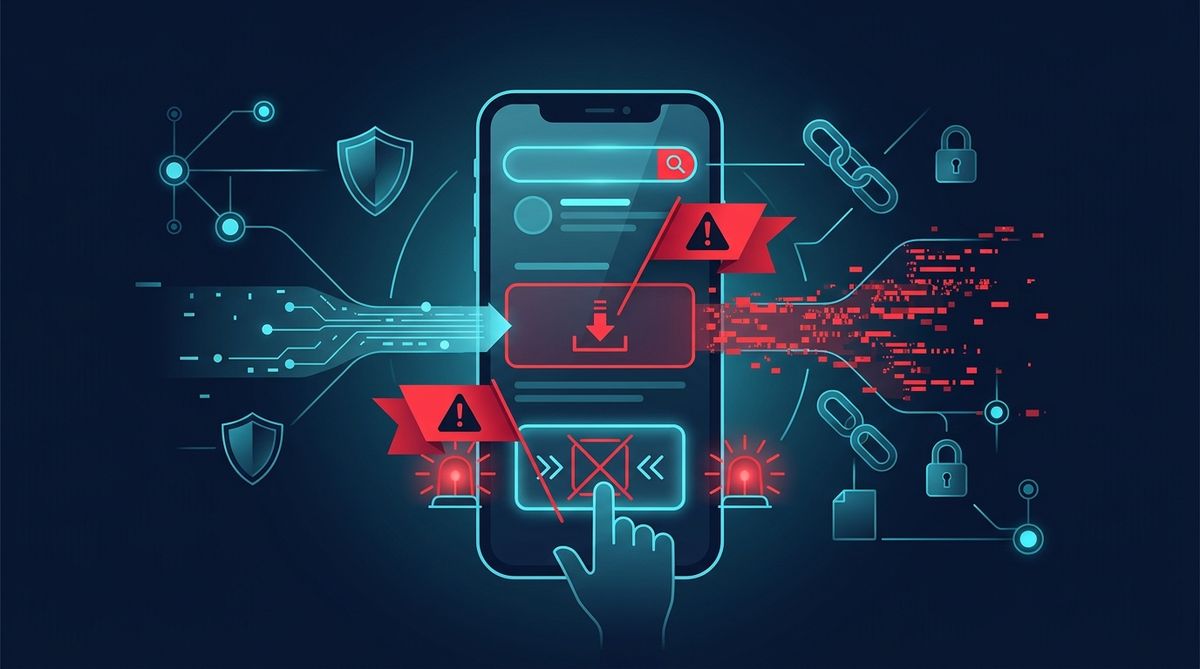 Illustrative image (AI-generated).
How the scam usually unfolds
1. You search for a popular app
A user searches for a messaging or social app, often in a hurry. Attackers may try to place a sponsored result or create a page designed to rank for terms like:
- “WhatsApp APK latest version”
- “Telegram update download”
- “Instagram lite APK”
- “social app download for Android”
The ad or result may use official-looking language, logos, and a short domain that looks familiar at first glance.
2. You land on a cloned install page
The website copies the style of the official brand or Play Store page. It may show:
- a fake “Download for Android” button
- star ratings and review counts
- “Verified safe” badges
- claims like “faster than Play Store” or “direct update package”
- pop-ups saying your current version has expired
Some pages also imitate security notices to appear trustworthy.
3. The site pushes an APK or asks you to sideload
Instead of redirecting you to Google Play, the page offers an APK file directly. If you try to install it, Android may warn you that your browser or file manager is not allowed to install unknown apps.
The scam page then gives step-by-step instructions to change your settings and allow the install. That prompt matters: Android is telling you this app is not coming through the normal app-store route.
4. The installed app abuses permissions or steals credentials
What happens next depends on the malware or fake app. Common outcomes include:
- a fake login screen that captures your username, password, or OTP
- requests for SMS, contacts, accessibility, notification, or overlay permissions
- spyware-like behavior that monitors messages or reads notifications
- banking or account-takeover attempts using stolen OTPs
- ad fraud or hidden background activity on the device
CERT-In advises users to be cautious about app permissions, app sources, and suspicious links as part of basic cyber hygiene in India (CERT-In). If financial details are exposed, RBI also advises customers to report unauthorised transactions quickly through official channels of their bank (RBI).
Warning signs that a download page may be fake
Here are practical clues ordinary users can check in seconds.
The result is a sponsored ad for an APK
A sponsored result is not automatically malicious, but if it leads to a direct APK for a major app, be extra careful. Popular apps like WhatsApp usually direct Android users to Google Play from their official help or download pages, not to random third-party APK hosts. WhatsApp’s official help pages are on faq.whatsapp.com.
The web address is close, but not quite right
Watch for:
- extra words:
download-whatsapp-now.example - misspellings:
whatsaap,instagrarn - odd endings or country-code domains unrelated to the brand
- domains stuffed with keywords like
apk,update,latestversion
It asks you to turn on “install unknown apps”
This is one of the biggest red flags for mainstream messaging and social apps. If you were expecting a normal install, but the page walks you through changing Android settings, stop and verify.
The page creates urgency
Common pressure tactics include:
- “Your version will stop working today”
- “Play Store blocked this app in your area”
- “Download this secure patch immediately”
- “Only this version supports login”
The app asks for unusual permissions after install
A messaging app may reasonably need contacts, camera, microphone, or notifications depending on features. But be cautious if a fresh install immediately pushes for:
- accessibility access
- device admin privileges
- reading all notifications without clear reason
- SMS access where it does not make sense
Illustrative example
Illustrative example: You search “WhatsApp APK update” and click a sponsored result. The page looks almost official and says the Play Store build is outdated. You tap Download, then see instructions to allow your browser to install unknown apps. After install, the app opens a login page and asks for your phone number and one-time code. That combination can enable account takeover if entered into a fake app.
What to do instead: safer ways to install apps
Use official app stores first
For Android, prefer Google Play whenever possible. If you are unsure about a link, search the app name inside the Play Store app on your phone instead of trusting a browser ad.
Start from the company’s verified website
If you use search, look for the brand’s real domain and then follow its official download path. For example, WhatsApp’s official help and download guidance is under faq.whatsapp.com, not a random APK site.
Check the package source before installing
If a file downloads as .apk, ask yourself why. For a mainstream app, a direct APK should not be your default route unless you specifically understand the reason and trust the source.
Scan suspicious links before opening them
If a download page seems off, check it with the LinkExpln scanner or report a suspicious link so others can be warned too.
What to do if you already installed a suspicious APK
Take calm, practical steps.
1. Disconnect and stop using the app
Turn off mobile data and Wi‑Fi briefly if you suspect active abuse. Do not keep entering logins or OTPs into the app.
2. Remove the app if possible
Uninstall the suspicious app. If it resists removal, restart the phone and try again. Review whether it has special permissions such as accessibility or device admin and revoke those first.
3. Change important passwords from a safe device
Use a known-clean device to change passwords for the affected app, email account, and any linked services. Enable two-factor authentication where available.
4. Watch for financial or account misuse
If you entered banking details, card data, or OTPs, contact your bank immediately through official numbers or the bank app/website. RBI advises prompt reporting for unauthorised transactions (RBI).
5. Report cybercrime in India if needed
If money was lost, your account was hijacked, or sensitive data was stolen, report it via India’s official cybercrime portal at cybercrime.gov.in.
6. Review your device for broader risk
Check installed apps, notification access, accessibility settings, and default SMS or browser changes. If you are unsure what the app did, a factory reset may be the safest option after backing up essential files only. You can also review general security practices to reduce future risk.
How to reduce the chance of this happening again
A few habits make a big difference:
- install popular apps from Google Play, not search ads offering APKs
- type the official website manually if unsure
- avoid “mod,” “premium unlocked,” or “cracked” APKs
- read permission requests carefully after install
- keep Android and Google Play Protect updated
- be sceptical of urgent update prompts in the browser
- verify strange links before clicking using tools like the LinkExpln scanner
FAQ
Are Google Search ads always safe?
No. Many ads are legitimate, but placement as a sponsored result does not guarantee the destination is trustworthy. Always verify the domain and prefer official app-store links.
Is every APK dangerous?
No. APK is just the Android app package format. The risk comes from installing APKs from untrusted or misleading sources, especially when they ask you to bypass normal store protections.
Can fake APKs steal a WhatsApp or social media account?
They can if they trick you into entering login credentials, one-time codes, or granting powerful permissions. The exact impact depends on what the fake app does.
Conclusion
Fake APK scams succeed by looking normal: a search ad, a familiar logo, a convincing install page, then a sideload prompt that many people click past. The safest next step is simple: install messaging and social apps through Google Play or the brand’s verified website, and treat any direct APK download for a major app as a reason to stop and verify first.
Stay Protected
Not sure about a link you received? Check it with the LinkExpln scanner or learn how LinkExpln works.
More articles