
Scam Awareness
Fake WhatsApp screen-sharing and remote-access scams in India: how ‘support’, ‘refund’, and ‘verification’ calls trick users into installing AnyDesk/TeamViewer-style apps and handing over banking or U
LinkExpln Team · Published November 4, 2026

People often ask: if a caller only asked you to install a screen-sharing app, how can that become a bank or UPI fraud? The short answer is that remote-access and screen-sharing tools can let a scammer see what is on your phone, guide you into making payments yourself, or misuse one-time codes and app permissions. The danger is usually not the app alone, but the social engineering around it.
Key takeaway: No genuine bank, UPI provider, or official support team should ask you to share your screen, reveal OTPs, or enter your UPI PIN to receive money. If someone pressures you to install AnyDesk-, TeamViewer-, or similar remote-support apps during an unexpected call or chat, stop and verify through official channels first.
What this scam looks like
In these scams, the fraudster pretends to be someone you might trust: bank support, KYC verification staff, courier or e-commerce support, a utility company, a payment app representative, or even a buyer or seller from an online marketplace. Their goal is to get you to install a remote-support or screen-sharing app and keep you on the line while they direct your actions.
Common storylines include:
- Support call: “Your bank account or wallet has a problem. I will help fix it.”
- Refund call: “Your refund is pending. Open your UPI app and follow my steps.”
- Verification call: “Your KYC will expire today unless you complete verification now.”
- Marketplace pretext: “I’m sending payment for your item. Please approve the request.”
- Delivery or utility issue: “Your package, SIM, electricity, or gas service needs immediate confirmation.”
The Indian Cyber Crime Coordination Centre’s citizen portal warns users to be careful with requests involving screen sharing, remote access, and payment credentials through the national reporting platform at cybercrime.gov.in. RBI also repeatedly reminds customers not to share confidential banking information such as OTPs and PINs and to use only official contact routes for banks, as explained on rbi.org.in.
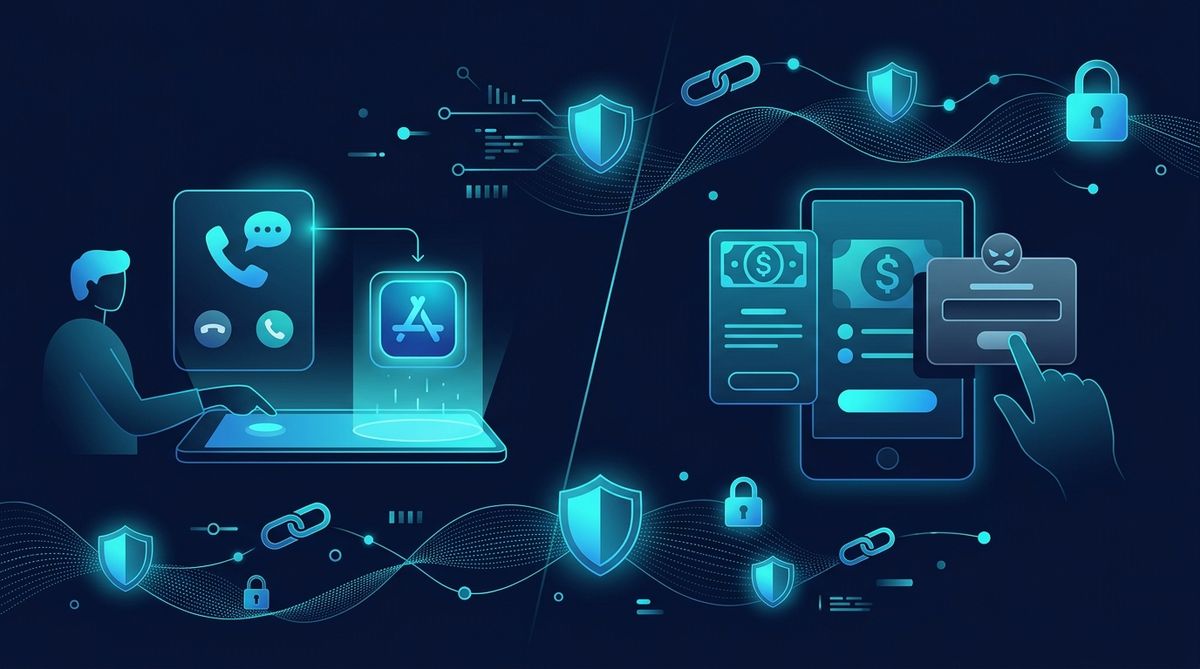 Illustrative image (AI-generated).
How the trick works step by step
1. The scammer creates urgency and trust
The caller sounds professional and may know your name, mobile number, or partial account details. That information can come from old data leaks, public listings, or prior scams. They try to make you act before you think.
Typical pressure lines:
- “Do this now or your account will be blocked.”
- “You must complete verification in 10 minutes.”
- “I’m from customer care; I’ll stay on the call and help.”
2. They ask you to install a remote-access or screen-sharing app
The app may be presented as a “support tool,” “customer service app,” or “verification app.” Sometimes the caller sends a link over WhatsApp or SMS. In other cases, they ask you to download it from the Play Store and read out the code shown on screen.
On Android, some remote-support tools may request accessibility, screen capture, notification access, or device-control permissions. Those permissions can expose what appears on the phone or make fraud easier if the victim follows instructions blindly.
Google’s own safety guidance warns users to avoid installing apps or granting permissions at the direction of unknown callers and to review permissions carefully on support.google.com.
3. They keep you busy while watching or directing your actions
Once the screen is shared, the fraudster may ask you to:
- Open your bank app or UPI app
- Check your SMS inbox
- Read account balances aloud
- Tap “allow” on prompts
- Enter card details, OTPs, or your UPI PIN
This is the critical moment. Even if the scammer cannot fully control the phone, they may simply watch what you type or manipulate you into approving a collect request or payment.
4. They turn “receiving money” into “sending money”
A common UPI trick is to claim you need to enter your PIN to receive a refund or payment. That is false. In normal UPI use, entering your PIN authorizes sending money or approving a debit mandate, not receiving funds. RBI’s public awareness materials consistently advise users never to share PINs or OTPs and to understand transaction prompts on rbi.org.in.
5. They disappear once money or access is gained
After the transfer, the caller may hang up, block you, or ask for “one more step” to extract additional money. Some scammers also try to harvest identity documents, card screenshots, or email logins for later misuse.
Warning signs that strongly suggest a scam
Watch for these red flags, especially when several appear together:
- An unsolicited call or WhatsApp message about support, refund, KYC, delivery, or verification
- Pressure to act immediately or threats of account suspension
- Requests to install AnyDesk, TeamViewer, QuickSupport, screen-sharing, or device-control apps
- Instructions to share your screen, enable accessibility, or grant notification access
- Claims that you must enter your UPI PIN to receive money
- Requests for OTP, CVV, card number, MPIN, or net banking credentials
- A link sent over chat instead of directing you to the company’s official website or app
- Poorly matched identity: the caller claims to be from one company but uses a personal number or generic Gmail address
If you want to inspect a suspicious URL before opening it, use the LinkExpln scanner. If you have already received a suspicious link, you can also report a suspicious link.
What to do if you get this kind of call
Do this immediately
- Hang up or stop replying. Do not continue the conversation just to “see what they want.”
- Do not install any app suggested by the caller or chat message.
- Do not share your screen or read out codes.
- Verify independently by opening the official app or website yourself, or by calling the official customer care number listed there.
- Check recent transaction requests inside your UPI or banking app before tapping anything.
If you already installed the app but have not paid anything yet
- Disconnect the call and turn off screen sharing or remote session.
- Uninstall the app unless you knowingly need it for legitimate support.
- Review Accessibility, screen capture, notification, and device admin permissions in phone settings and remove anything suspicious.
- Change passwords for important accounts if you typed them during the session.
- Monitor bank and UPI transaction history carefully.
For broader prevention habits, see these security practices.
What to do if money has already been lost
Act fast. Speed matters in fraud reporting.
- Call your bank or payment provider immediately and ask them to block or review the transaction.
- Report the incident on India’s National Cyber Crime Reporting Portal at cybercrime.gov.in.
- If available in your area, use the cybercrime helpline 1930 quickly for financial fraud reporting through the official cybercrime reporting system referenced on cybercrime.gov.in.
- Keep evidence: screenshots, phone numbers, app names, payment IDs, chat messages, and timestamps.
- Scan any suspicious link you received and keep the result for reference using the LinkExpln scanner.
How to protect yourself going forward
The most effective defense is a simple rule: never let an unexpected caller control the pace, the app, or the payment flow.
Practical habits that help:
- Use only official customer support channels found on the company’s website or app
- Read every UPI prompt carefully before entering your PIN
- Treat requests to install “support” apps as high risk unless you initiated contact and verified the provider
- Avoid clicking links in chat when you can manually open the official app instead
- Keep your phone updated and review app permissions regularly
- Teach family members, especially older users, that receiving money does not require entering a UPI PIN
If you are curious about how link checks help reduce exposure to scam sites, see how LinkExpln works.
FAQ
Can a scammer steal money just by seeing my screen?
Sometimes the loss happens because the scammer watches sensitive information, guides you into authorizing a payment, or uses visible OTPs and prompts during the session. The exact risk depends on what was shown, which permissions were granted, and what actions you took.
Do legitimate companies ever use remote-support apps?
Some technical support teams may use remote tools in specific contexts, but that does not make an unexpected call trustworthy. For banking, UPI, and refund-related matters, you should be extremely cautious and verify through official channels before installing anything or sharing your screen.
Do I need to enter my UPI PIN to receive a refund?
Normally, no. Entering a UPI PIN is generally used to authorize a payment or debit-related action, not to receive money.
Final word
These scams work because they create pressure, authority, and confusion around perfectly ordinary phone actions. If a caller asks you to install a remote-support app, share your screen, or enter a UPI PIN for a refund or verification, stop the process and verify independently. That one pause can prevent a costly mistake.
Stay Protected
Not sure about a link you received? Check it with the LinkExpln scanner or learn how LinkExpln works.
More articles