
Scam Detection
How to tell if a bank statement PDF or payment receipt sent on WhatsApp or email is malicious before you open or download it
LinkExpln Team · Published November 12, 2026
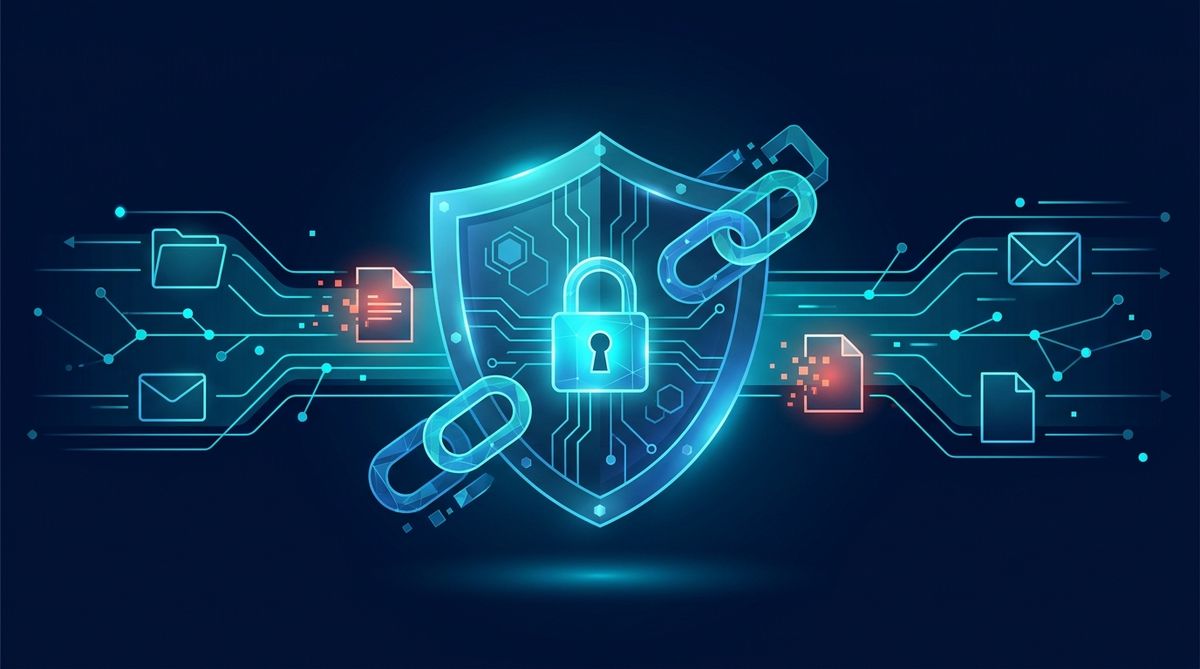
If you receive a “bank statement PDF” or “payment receipt” on WhatsApp or email, pause before tapping it. These files are often used in phishing and social-engineering scams, and sometimes attackers hide malware in attachments or use the document to pressure you into calling a fake number, scanning a QR code, or signing in on a fake website.
Key takeaway: Don’t open or download a financial document just because it looks urgent or familiar. First verify who sent it, why you received it, and whether the file and message match normal banking or business practice.
Why these files are risky
Criminals know that people are more likely to open documents related to money. A “statement,” “invoice,” “refund advice,” or “payment receipt” can create urgency, curiosity, or panic. Official agencies regularly warn that phishing messages may use attachments, links, and fake payment claims to steal credentials or install malware, including through email and messaging platforms like WhatsApp [CISA] [FTC].
A PDF is not automatically safe. Even if the file itself does not contain malware, it may still be part of a scam. For example, the document may:
- Ask you to call a fake customer-care number
- Include a malicious or misleading link
- Show a fake “failed payment” or “account blocked” warning
- Push you to scan a QR code
- Be named to look harmless while hiding a different file type
If you want a quick second opinion on a link shared alongside the file, use the LinkExpln scanner. You can also see how LinkExpln works before relying on any tool.
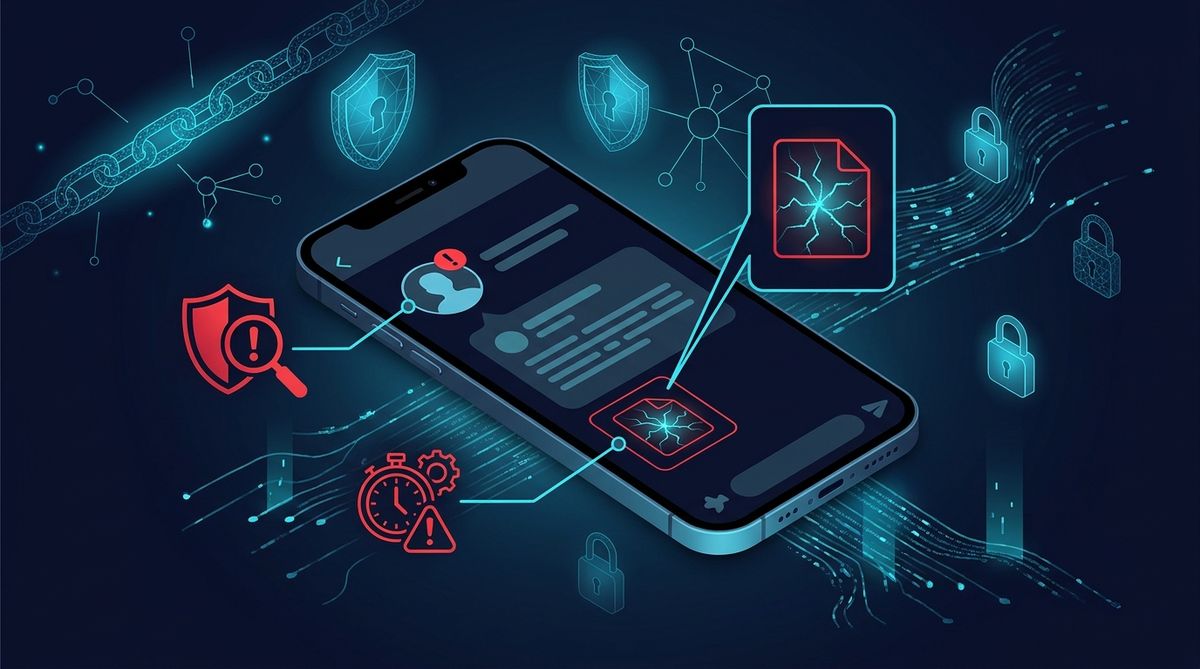 Illustrative image (AI-generated).
First question: were you expecting this document?
Start with context, not the attachment.
Low-risk signs
A file is more believable when:
- You recently requested the statement or receipt
- It comes through the same official channel you normally use
- The sender matches the bank, merchant, employer, or person you were already dealing with
- The message refers to a real, recent transaction you can independently confirm
High-risk signs
Be more careful if:
- You did not ask for the document
- The sender says there is an urgent problem with your account or payment
- The message threatens charges, account suspension, or legal action
- It asks you to open the file immediately to “avoid penalty” or “release funds”
- It arrives in the middle of a conversation that suddenly changes topic
Banks and payment providers usually ask customers to verify account activity through official apps, websites, or customer support channels rather than by replying to random messages. The RBI’s public awareness guidance consistently stresses safe digital-payment behaviour and verifying before acting.
Check the sender before you touch the file
On WhatsApp or email, the sender identity is one of the biggest clues.
On email
Look for:
- A sender address that does not match the real organisation domain
- Misspellings or extra words, such as
support-bank-help.cominstead of the bank’s real domain - “Reply-to” addresses that differ from the visible sender name
- Generic greetings like “Dear customer” when the bank normally addresses you by name
On WhatsApp
Look for:
- An unknown number claiming to be from a bank or payment company
- A business profile with incomplete or suspicious details
- A sudden message from a new number pretending to continue an old conversation
- Pressure to move the conversation off the official app or website
WhatsApp itself advises users to be cautious with messages from unknown contacts, especially those creating urgency or asking you to open links and files [WhatsApp Help Center].
Inspect the file without opening it
You can often spot danger before downloading.
Warning signs in the filename
Be suspicious of names like:
Bank_Statement_Urgent.zipReceipt_PDF.exePayment_Proof.pdf.htmlinvoice copy.apkstatement_password.txt
A few things matter here:
- Double extensions like
.pdf.exeor.pdf.htmlare suspicious - Compressed files like
.zipare unusual for ordinary consumer bank statements - App files like
.apkon Android should never be treated as a normal receipt - HTML files can open web pages that imitate login screens
If your device hides file extensions, enable them where possible so you can see the real file type. Google also recommends caution with files and links from unknown sources and keeping Play Protect and other protections enabled on Android [Google Help].
Read the message for scam pressure tactics
Many malicious attachments are only one part of the trap. The wording around them often gives the game away.
Common red flags
- Urgency: “Open within 30 minutes”
- Fear: “Your account will be blocked”
- Secrecy: “Do not contact the bank directly”
- Curiosity: “See attached proof of transfer” when you were expecting nothing
- Authority pressure: “Message from accounts department” with no proper identification
- Bad grammar or awkward formatting, though polished scams also exist
Illustrative example:
“Dear Customer, your payment of Rs 48,500 has been processed incorrectly. Open attached receipt immediately and call helpline to stop auto-debit.”
This is suspicious because it combines urgency, fear, and a call to action outside normal support channels.
Safer ways to verify before opening or downloading
Here is a simple process that works for both email and WhatsApp.
1. Do not open the attachment right away
Leave the file untouched until you verify the claim.
2. Check your official banking or payment app
If the message mentions a statement, transaction, refund, or debit, open your bank’s official app or website by typing the address yourself or using your saved app. Do not use links or numbers from the message.
3. Contact the sender through a known-good channel
If it seems to be from your bank, call the number on the back of your card or from the bank’s official website. If it seems to be from a merchant or colleague, contact them using details you already trust.
4. Check whether the file type makes sense
Most genuine statements and receipts are plain PDFs delivered through secure portals, official apps, or known billing systems. Be cautious with ZIP, EXE, APK, SCR, or HTML files.
5. Scan any related link first
If the message includes a website link along with the attachment, check it with the LinkExpln scanner. If it still looks doubtful, report a suspicious link.
6. Keep your device protections on
Use built-in protections, keep your phone or computer updated, and avoid installing apps from unknown sources. This reduces risk if you accidentally tap something harmful.
What to do if you already opened or downloaded it
Opening a document does not always mean compromise, but act quickly.
If you only viewed the message
- Do not click any links inside it
- Do not call phone numbers listed in the document
- Do not scan any QR code shown in it
- Verify the claim through official channels
If you downloaded or opened the file
- Disconnect from the internet if the file triggered unexpected behaviour
- Run a security scan on the device
- Delete the file if it is suspicious
- Change passwords if you entered any credentials after opening it
- Contact your bank immediately if the file was linked to a supposed transaction or if you shared banking details
- Report serious cyber fraud in India through the official National Cyber Crime Reporting Portal
CERT-In also publishes official cybersecurity guidance and advisories for Indian users and organisations through its website [CERT-In].
Special caution with receipts that mention UPI, cards, or refunds
Payment-related PDFs often try to exploit common habits:
- People trust screenshots and “proof of payment” too quickly
- They assume a receipt means money has arrived
- They call a number on the receipt instead of checking their own account
Always confirm in your own bank or payment app whether money actually arrived, whether a debit really happened, and whether the transaction ID is real. A document alone is not proof.
FAQ
Can a PDF really contain malware?
Sometimes, yes. But even when it does not, the bigger risk may be the scam around it: fake numbers, phishing links, QR codes, or pressure to disclose information.
Is a file safe if it came from someone I know on WhatsApp?
Not necessarily. Their account may be compromised, or they may have forwarded something without checking it.
Are bank statements sent by email always suspicious?
No. Some legitimate institutions do send statements by email, but you should still verify the sender, domain, and whether you were expecting it. When in doubt, retrieve the document from the official app or website instead.
A simple rule to remember
Treat unsolicited financial documents like claims, not proof. Before you open or download, verify the sender, the reason, and the file type through official channels you choose yourself. That one pause can stop a phishing attempt, a fake support scam, or a malware infection before it starts.
Stay Protected
Not sure about a link you received? Check it with the LinkExpln scanner or learn how LinkExpln works.
More articles